
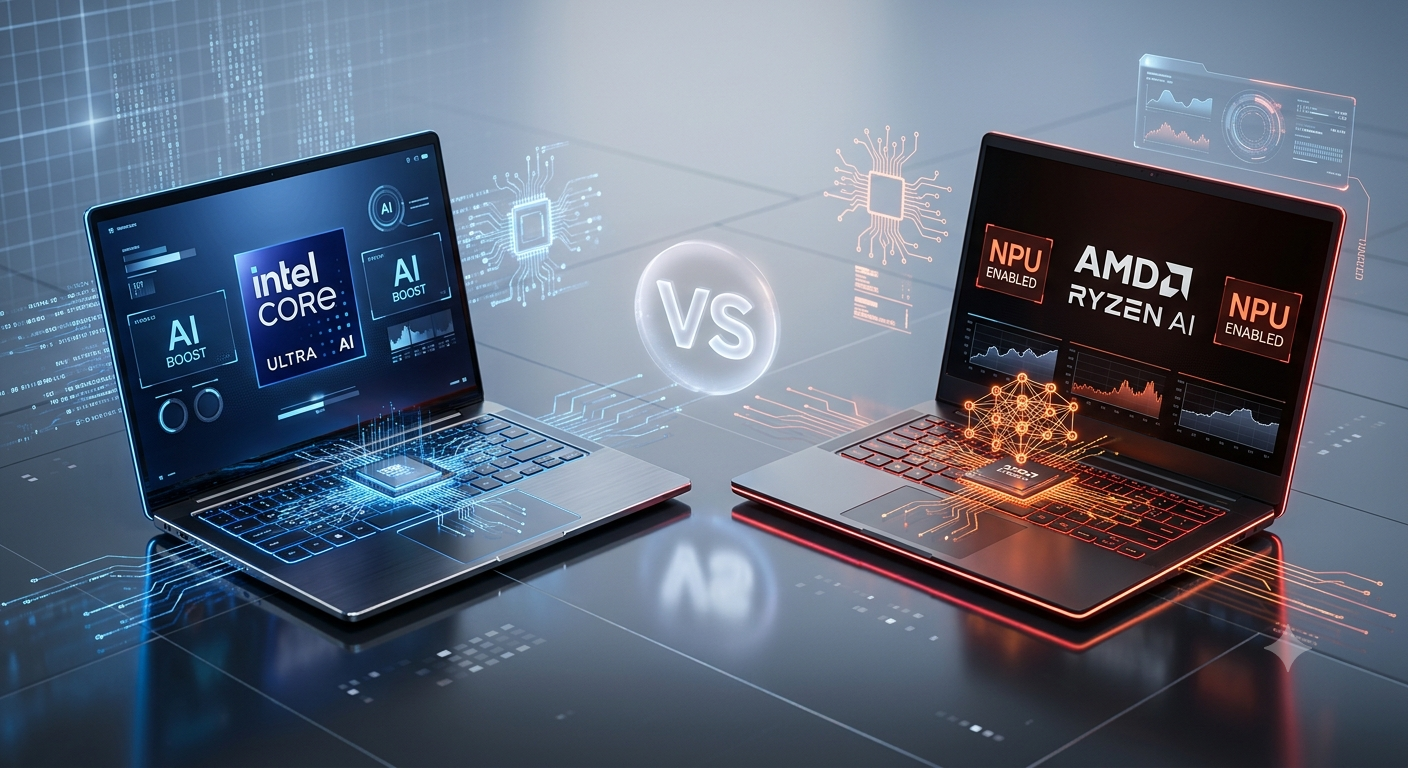
Intel Core Ultra vs AMD Ryzen AI — Which AI Laptop Should You Buy in Malaysia?
Every new laptop worth buying in 2026 has a Neural Processing Unit built in. The question isn't whether you need an AI laptop anymore — it's which chip platform actually fits how you work, game, and create. Here's the honest breakdown.
In This Guide
What Actually Makes a Laptop an "AI Laptop"?
It comes down to one extra piece of silicon: the Neural Processing Unit, or NPU. Instead of pushing every AI task through the CPU or GPU — and burning battery doing it — the NPU handles machine learning workloads on its own, quietly, in the background.
In practice that shows up as faster background blur on video calls, on-device transcription that doesn't need an internet connection, sharper AI photo edits, and noticeably better battery life when Windows Studio Effects or Copilot+ features are running. None of this is marketing fluff at this point — it's the reason every laptop we stock from ASUS, Acer, HP, Lenovo and MSI in 2026 ships with one of these two platforms.
Meet the Two Competitors
Intel Core Ultra
Intel's Core Ultra lineup was a genuine rebuild, not a rebrand. Alongside the Intel AI Boost NPU, you get Intel Arc integrated graphics, a multi-tile architecture, and a media engine that's noticeably better than the old Core i-series it replaced. You'll find Core Ultra 5, 7 and 9 chips across most of the ASUS Zenbook, Vivobook, and ROG/TUF ranges we carry, plus Acer Swift, HP OmniBook and Lenovo ThinkPad/Yoga machines.
AMD Ryzen AI
AMD's answer pairs Zen CPU cores with Radeon graphics and AMD's XDNA NPU. The headline strength is AI throughput — AMD's NPU consistently benchmarks near the top of the pack — plus genuinely strong integrated graphics that hold their own in esports titles without a dedicated GPU. Ryzen AI 5, 7, 9 and the higher-wattage "HX" variants now show up across ASUS Vivobook, MSI Stealth, and several ROG/TUF gaming SKUs.
Quick Comparison
Both platforms are excellent in 2026. The differences are smaller than the marketing suggests, but they're real. Here's the short version before we go deeper.
| Feature | Intel Core Ultra | AMD Ryzen AI |
|---|---|---|
| AI Engine | Intel AI Boost NPU | AMD XDNA NPU |
| Graphics | Intel Arc | Radeon 800M / Radeon Graphics |
| Productivity | Excellent | Excellent |
| AI Performance | Very strong | Extremely strong |
| Integrated Graphics | Strong | Leading |
| Battery Life | Excellent | Excellent |
| Copilot+ Ready | Yes (supported models) | Yes (supported models) |
CPU Performance and AI Acceleration
For everyday work — Office, Zoom, Chrome with forty tabs open, light coding — both chips fly. You will not feel a difference between them in a typical work day.
Where Intel pulls ahead
- Heavy multitasking and office-grade workloads
- Software development and Windows 11 thread scheduling
- Broad compatibility with business and enterprise software
Where AMD pulls ahead
- Sustained rendering and creative export jobs
- Performance-per-watt on longer battery runs under load
- Raw AI throughput — the XDNA NPU is one of the strongest available today for local models, Stable Diffusion and AI-assisted editing
If your daily driver is Adobe Acrobat, Teams and spreadsheets, this category is a tie. If you're running local AI tools regularly, AMD has the edge.
Graphics, Battery Life and Gaming
Neither chip needs a dedicated GPU for everyday creative work — Lightroom, Illustrator, Canva and video playback all run comfortably on either integrated graphics option.
AMD's Radeon integrated graphics remain the stronger of the two for casual gaming — titles like Valorant, Dota 2 and CS2 run noticeably smoother without a discrete GPU. Intel Arc graphics have closed the gap significantly in the last two generations, particularly in Premiere Pro and DaVinci Resolve, but AMD still leads on frames-per-watt in lighter games.
For proper gaming — RTX 4060, 5050, 5060 or higher — the GPU does almost all the work, so the CPU platform matters far less. Battery life is excellent on both platforms in 2026; the bigger swing factors are OLED vs IPS, battery capacity, and how aggressively the laptop's cooling system throttles under sustained load.
Which Processor Is Better for Your Use Case?
| User | Recommended |
|---|---|
| Students | Either — decide on budget and display |
| Office professionals | Intel Core Ultra |
| Business users | Intel Core Ultra |
| Creative designers | Either |
| AI developers / local models | AMD Ryzen AI |
| Casual gamers | Either |
| eSports players | AMD Ryzen AI |
| Software developers | Intel Core Ultra |
In-Stock AI Laptops at Notebook Plaza
Four real machines currently available in-store and online — two productivity picks and two gaming/creator picks, one from each platform, so you can compare like-for-like.

ASUS Vivobook S14 OLED S3407C-ASF745WS

ASUS Vivobook S16 OLED M5606W-AMX077WSM

ASUS ROG Zephyrus G16 GU606A-MTB038W

MSI Stealth A16 AI+ A3HVFG-043
Best for Your Use Case, by Series
Students
ASUS Vivobook Series or Acer Swift Series — light, long battery life, either chip platform works fine at this budget.
Professionals
Lenovo ThinkPad Series or HP EliteBook Series — Intel Core Ultra for the widest business software compatibility.
Creators
ASUS Zenbook Series or MSI Prestige Series — AMD Ryzen AI if local AI tools and rendering matter most to you.
Gamers
ASUS ROG Series or MSI Stealth Series — GPU tier matters more than CPU platform; match your budget to the RTX tier first.
Frequently Asked Questions
Is Intel Core Ultra better than AMD Ryzen AI?
Neither is universally better. Intel Core Ultra tends to win on productivity, business workloads and broad software compatibility. AMD Ryzen AI has a slight edge in AI acceleration and integrated graphics. Most buyers won't notice the difference in daily use.
Which processor is better for students?
Both are excellent for coursework, browsing and streaming. Choose based on budget, screen quality and battery life rather than the processor badge alone.
Is AMD Ryzen AI good for gaming?
Yes. Ryzen AI processors pair well with dedicated NVIDIA GeForce RTX graphics in machines like the MSI Stealth A16, and also offer some of the strongest integrated graphics available if you're gaming without a discrete GPU.
Is Intel Core Ultra good for content creation?
Yes — Intel Core Ultra performs well across Adobe Creative Cloud, video editing, photo editing and heavy multitasking, and pairs with strong Intel Arc graphics in machines like the ROG Zephyrus G16.
Are AI laptops actually worth buying in 2026?
Yes. AI laptops are now the standard for new Windows machines, and the NPU genuinely improves battery life and responsiveness for everyday features like background blur, live captions and AI photo editing — not just niche AI apps.
Final Verdict
The gap between these two platforms has never been narrower. Both are genuinely good choices in 2026, and for the vast majority of Malaysian buyers, the display, cooling system, RAM and GPU of the specific laptop you're looking at will matter more than which chip badge is on the lid.
If you want our honest, no-fence-sitting recommendation: don't shop by processor first. Shop by what you actually do with the laptop, decide on a budget, and then let us match you to the right SKU in-store.
Choose Intel Core Ultra if...
You prioritise productivity, business software, dependable compatibility, and a well-rounded everyday laptop for work or school.
Choose AMD Ryzen AI if...
You want the strongest local AI performance, class-leading integrated graphics, and efficient power for creative work or light gaming.
Not Sure Which One Fits You?
Come talk to us at Low Yat Plaza, or browse the full range online — we'll help you match the right chip, GPU and budget.
Shop AI Laptops at NB Plaza