Synology NAS Malaysia: The Complete Business Storage & Backup Setup Guide for SMEs (2026)
If your team is still emailing files back and forth or trusting one external hard drive with everything, this guide walks you through building a proper, secure storage backbone for your Malaysian business — from choosing the right Synology model to configuring RAID, permissions, and a real 3-2-1 backup strategy.
In This Guide
- Why Malaysian SMEs Choose Synology NAS
- Which Synology NAS Fits Your Business
- Step 01 — Hardware, Network & DSM Setup
- Step 02 — Choosing Your RAID Type
- Step 03 — Shared Folders, Users & Permissions
- Step 04 — File Versioning
- Step 05 — The 3-2-1 Backup Strategy
- Step 06 — Snapshots & Ransomware Recovery
- Step 07 — Remote Access & Security
- Step 08 — Business Apps Worth Installing
- Common Mistakes to Avoid
- Recommended Synology NAS by Business Size
Why Malaysian SMEs Are Moving Off External Hard Drives
Data is one of the most valuable assets your business owns — accounting files, customer databases, design projects, CCTV footage, contracts. Lose it, and you're not just losing files, you're losing uptime, money, and customer trust.
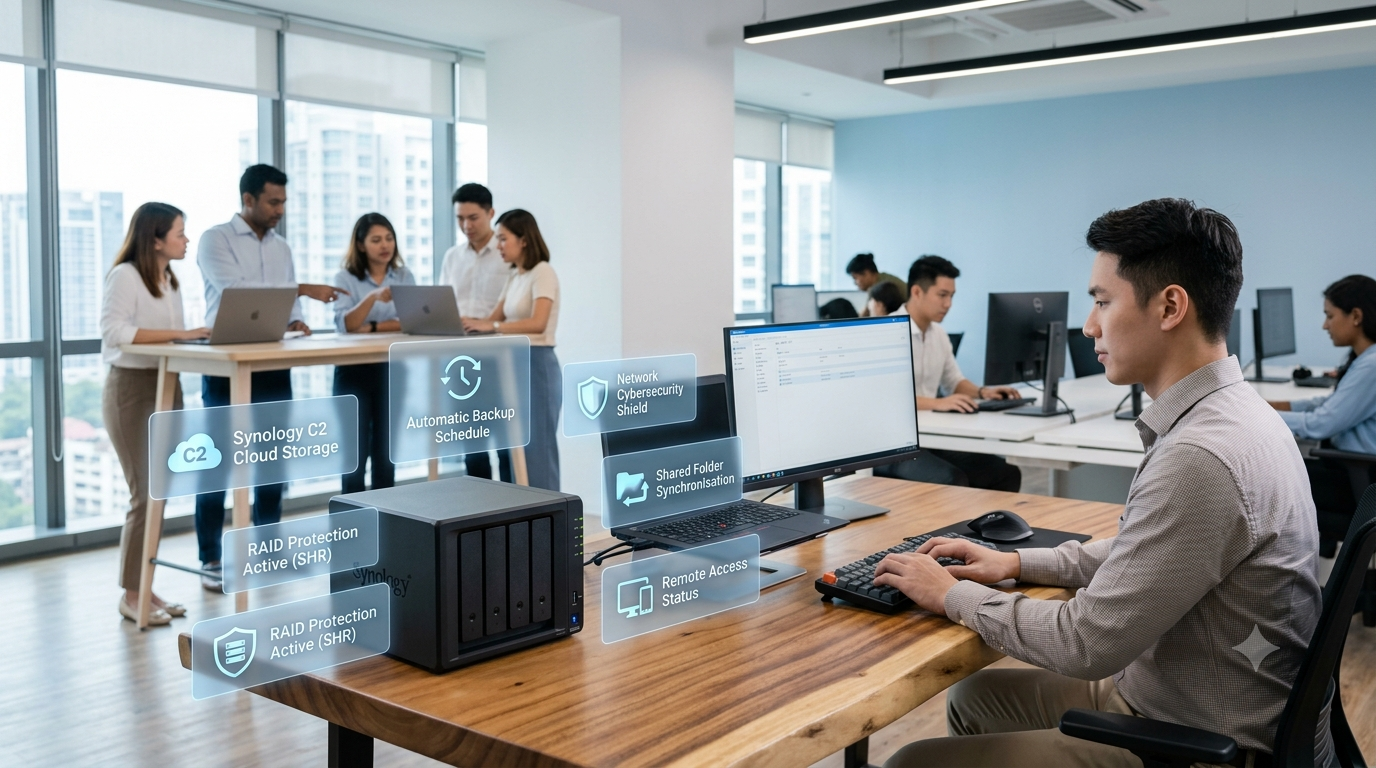
Most SMEs start with external hard drives because they're cheap. Then a second employee needs the same files, then a third, and suddenly you've got different versions floating around, no backup, and a USB drive someone left on the LRT. A Synology NAS (Network Attached Storage) fixes this by giving your business one centralised, private cloud that everyone works from — with automated backup, remote access, and real security built in.
Which Synology NAS Fits Your Business
The right model comes down to headcount and how many drive bays you'll actually need for redundancy and growth. Here's roughly how it maps out — jump to the recommended picks section for real, in-stock models and pricing.
| Business Size | Recommended NAS | Why |
|---|---|---|
| 5–10 employees | 2-Bay NAS | Enough for shared folders, daily backup, and light remote access |
| 10–30 employees | 4-Bay NAS | Room for RAID redundancy plus real headroom to grow into |
| 30–80+ employees | 8-Bay NAS | Higher capacity, faster networking, and support for heavier workloads like VMs or Surveillance Station |
Not sure where you land? A 4-bay NAS is the sweet spot for most growing Malaysian SMEs — enough redundancy to sleep at night, without paying for capacity you won't touch for years.
Hardware, Network & DSM Setup
Start with NAS-certified drives built for 24/7 operation — avoid desktop HDDs if you can. Popular choices are Synology HAT drives, Seagate IronWolf, and WD Red Plus. Slot each drive into its tray, lock it in, then connect the NAS to your office router or switch over a Gigabit (or faster) LAN cable and power it on.
After a few minutes, you'll be able to find the NAS on your network and begin the DiskStation Manager (DSM) installation — Synology's operating system. During setup, install the latest DSM version, create your administrator account, configure the storage pool, create a volume, and turn on automatic updates.
Choosing Your RAID Type
RAID protects your business against a hard drive failure — not against accidental deletion or ransomware, but it's your first line of defence. Which type you pick depends on your drive count and how much usable storage you need.
| RAID Type | Best For | Notes |
|---|---|---|
| RAID 1 | Two drives, small offices | 2 × 4TB drives = 4TB usable |
| RAID 5 | Four drives, growing businesses | Better storage efficiency, one-drive fault tolerance |
| Synology Hybrid RAID (SHR) | Most SMEs | Simplifies expansion, supports mixed drive sizes, built-in redundancy |
If you're not deep into storage architecture, SHR is the one to pick. It maximises usable capacity across mismatched drive sizes and makes future expansion far less painful than a manual RAID array.
Shared Folders, Users & Permissions
Set up a shared folder per department — Finance, Sales, Marketing, HR, Projects, Design, Management, Archive — and give each one its own login. Never share the administrator password with the whole team; create separate user accounts instead and assign permissions by department.
Marketing account
✅ Marketing folder
❌ HR folder
❌ Finance folder
Finance account
✅ Finance folder
❌ Marketing folder
❌ HR folder
This one habit prevents most of the accidental deletions and cross-department leaks we see in offices that skip it.
File Versioning
One of the most underrated Synology features is version history. Employees can recover a previous version of a document, an accidentally overwritten file, or something that was deleted entirely — no IT ticket required. Turn this on early; it quietly cuts down on support requests more than almost anything else in this guide.
The 3-2-1 Backup Strategy
RAID is not a backup — it protects against drive failure, not accidental deletion, malware, fire, or theft. A proper business backup strategy follows the 3-2-1 rule: 3 copies of your data, on 2 different storage media, with 1 copy off-site.
Synology recommends combining tools depending on what you're protecting — Active Backup for Business for PCs, servers, and virtual machines, Snapshot Replication for fast recovery points, and Hyper Backup for protecting the entire NAS to USB, another Synology unit, or the cloud.
| Frequency | What to Back Up |
|---|---|
| Daily | Office PCs, shared folders |
| Weekly | System configuration, applications |
| Monthly | Off-site backup verification |
Snapshots & Ransomware Recovery
Snapshots are one of the best defences against ransomware. Snapshot Replication can run scheduled snapshots as frequently as every five minutes on supported systems, giving you multiple recovery points with minimal storage overhead and near-instant restoration for shared folders and LUNs — a huge advantage if an infected machine starts encrypting files on your network.
Remote Access & Security
Remote staff can reach documents and shared folders through Synology QuickConnect, a VPN, or secure HTTPS — pick whichever fits your company's security policy rather than defaulting to the simplest option. Whichever route you take, lock the NAS down properly:
- Two-factor authentication
- Firewall enabled
- Auto block for repeated failed logins
- SSL certificate
- Strong, unique passwords per user
- Automatic DSM updates
Business Apps Worth Installing
Package Center comes with a long list of add-ons, but a handful are genuinely worth setting up from day one.
| App | What It Does |
|---|---|
| Synology Drive | A private alternative to Dropbox — file sync, remote work, collaboration |
| Active Backup for Business | Backs up Windows PCs, servers, and VMs from one console |
| Hyper Backup | Protects the entire NAS — system settings, apps, shared folders — to USB, another NAS, or the cloud |
| Surveillance Station | Turns your NAS into a CCTV recorder for offices, retail, or warehouses |
Common Mistakes to Avoid
- Using RAID as your only backup — it protects against drive failure, not accidental deletion, malware, or disaster.
- Using consumer-grade HDDs — a business NAS deserves NAS-rated or enterprise drives built for 24/7 use.
- Sharing the admin account — every employee should log in with their own credentials.
- Ignoring firmware updates — outdated DSM versions carry real security risk.
- Never testing recovery — a backup you haven't tested restoring is a backup you don't actually have.
Recommended Synology NAS by Business Size
Three verified, in-stock models from our Low Yat Plaza showroom — one for each stage of business growth.

Synology DiskStation DS725+
- CPU: AMD Ryzen R1600, 2.6GHz (3.1GHz turbo)
- Memory: 4GB DDR4 ECC, upgradable to 32GB
- Bays: 2, scales up to 7 drives with expansion
- Networking: 1× 2.5GbE + 1× 1GbE RJ-45
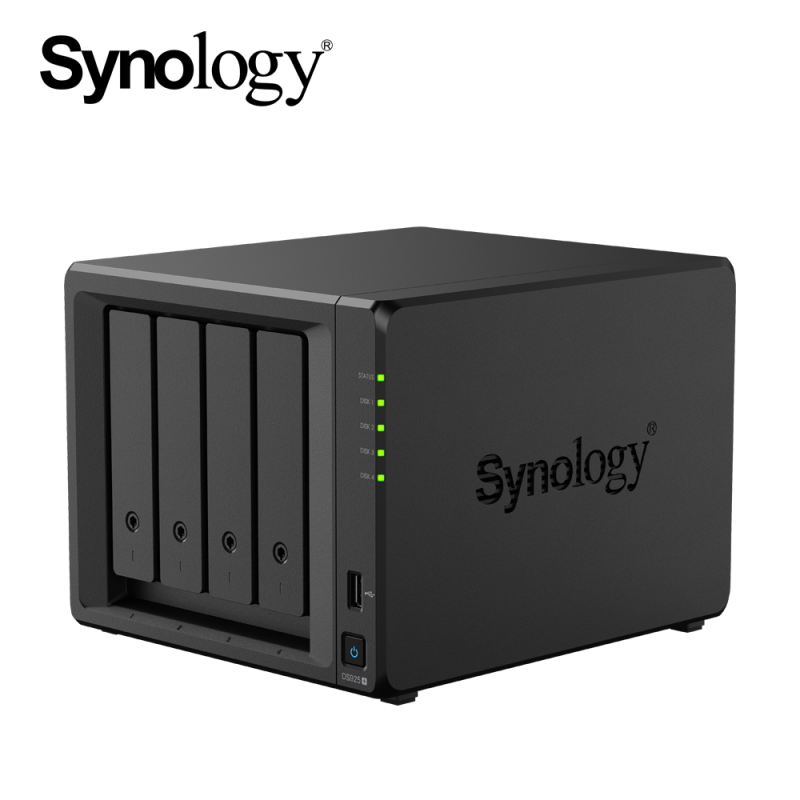
Synology DiskStation DS925+
- CPU: AMD Ryzen V1500B Quad-core, 2.2GHz
- Memory: 4GB DDR4 ECC, upgradable to 32GB
- Bays: 4, scales up to 9 drives
- Networking: 2× 2.5GbE RJ-45

Synology DiskStation DS1825+
- CPU: AMD Ryzen V1500B Quad-core, 2.2GHz
- Memory: 8GB DDR4 ECC, upgradable to 32GB
- Bays: 8, scales up to 18 drives
- Networking: 2× 2.5GbE RJ-45, optional 10/25GbE
Prices and stock verified at nbplaza.com.my at time of writing and may change. Need help matching drives, RAM, or RAID configuration to your headcount? Request a free quotation and our team will size it for you.
Best For Your Use Case
Not just laptops — here's how a Synology NAS slots into different parts of a growing business.
Finance Teams
Locked-down folders, version history, and audit-friendly access logs for sensitive records.
Remote Staff
Secure access to shared drives from home without juggling complicated VPN setups.
Design & Creative
Fast local network transfers for large project files, with automatic version backup.
IT Admins
Centralised backup for every office PC, plus ransomware-resistant snapshots.
Final Thoughts
A Synology NAS is more than a storage box — it's a data management platform your whole business runs on. For Malaysian SMEs, that means secure collaboration, backups that actually work, centralised access, and room to grow, all while your data stays under your control instead of scattered across USB drives and personal cloud accounts.
Follow the setup order in this guide — the right RAID, department-based permissions, snapshots, and a real 3-2-1 backup strategy — and you'll have a storage environment that holds up for years, not just until the next hard drive fails.
— The Notebook Plaza team, Low Yat Plaza
Ready to Set Up Your Business NAS?
Talk to our team for genuine Synology hardware, sizing advice for your headcount, and a free quotation tailored to your business.
Shop Synology NAS at NBP