
Best Monitors for Working From Home in Malaysia
Still hunched over a 14-inch laptop screen eight hours a day? Here's how to pick a monitor that actually fixes your neck, your eyes, and your productivity — plus real, in-stock picks from our Low Yat showroom.
- QHD is the sweet spot for sharpness vs. price
- IPS panels for colour and comfort over long hours
- USB-C for one-cable video, data and charging
Why Buy a Separate Monitor for WFH?
Most people assume their laptop screen is "good enough." It isn't — not for eight hours a day, five days a week. A dedicated external monitor gives you a larger workspace so you're not constantly Alt-Tabbing between windows, and it lets you set the screen at eye level instead of hunching down at laptop height, which is where most WFH neck and shoulder pain actually comes from.
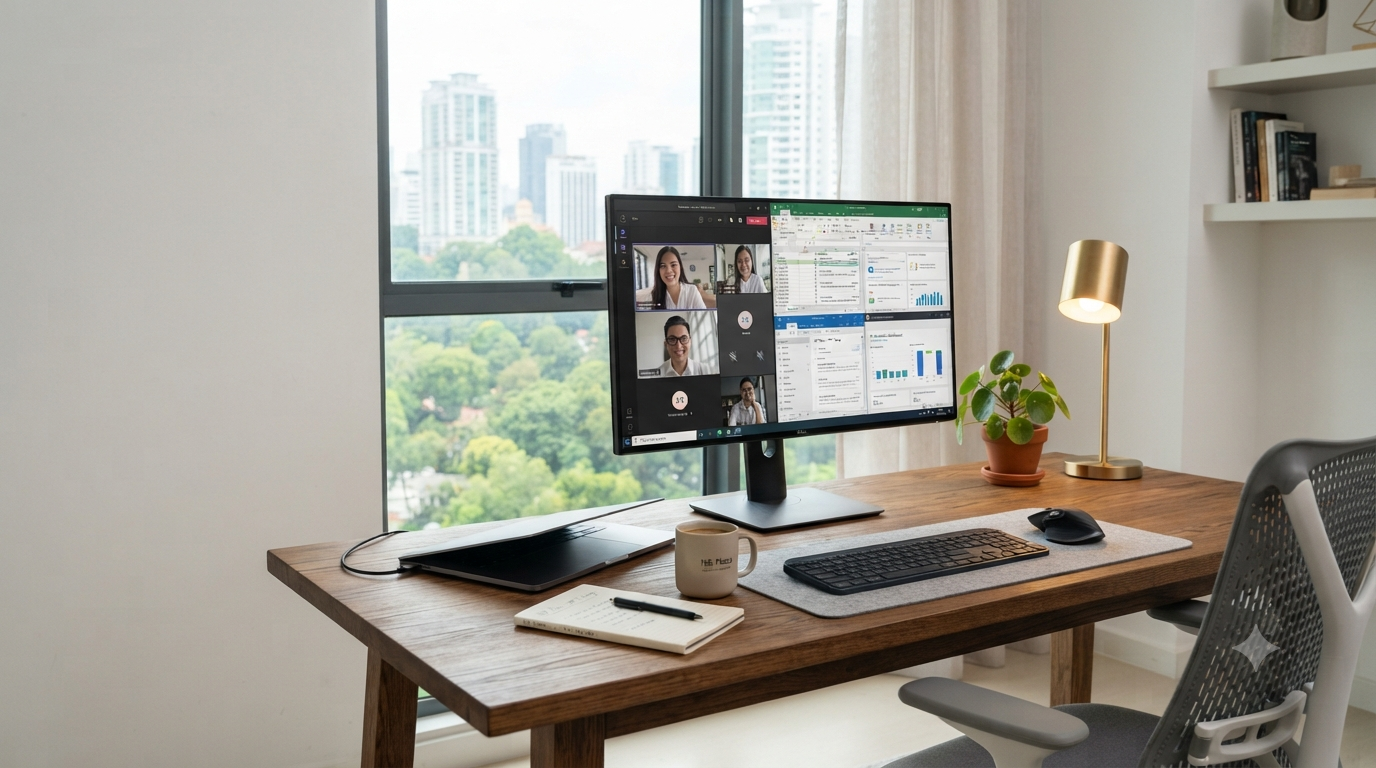
It also makes multitasking genuinely easier — Teams on one side, Excel or Chrome on the other — and modern IPS panels come with flicker-free backlighting and low blue light modes that make the difference between a comfortable 6pm and a headache by 3pm.
Our take: if you're on video calls more than twice a day, a second screen isn't a luxury purchase — it's the cheapest productivity upgrade you can make this year.
What Monitor Size Is Best?
The right size depends on your desk, not on what's biggest. For most Malaysian home offices, 27 inches hits the sweet spot — enough room for two documents side by side, without swallowing a standard desk.
| Size | Best For |
|---|---|
| 24-inch | Small desks, general office work |
| 27-inch | Most WFH users — our default recommendation |
| 32-inch | Heavy multitasking, dual roles |
| 34-inch Ultrawide | Finance, coding, creative work |
A 27-inch panel gives you comfortable video meetings, easier spreadsheet viewing, and larger text without needing to scale your OS — while still fitting comfortably on most home desks.
Which Resolution Should You Buy?
Resolution decides how sharp your text and workspace look — and it's where most people either overspend or underspend.
Full HD (1920×1080)
Affordable and light on hardware. Great for documents, email and students, but text looks noticeably softer once you go past 24 inches.
QHD (2560×1440) — our pick
Sharper text, more usable workspace, and better multitasking. The clear sweet spot for a 27-inch WFH monitor.
4K UHD (3840×2160)
Outstanding sharpness and colour detail for designers, photographers, video editors and developers — but it costs more and asks more of your laptop's graphics.
IPS vs VA vs OLED
Panel type affects how the screen looks and feels over a long working day more than any spec sheet number does.
| Panel | Strength | Best For |
|---|---|---|
| IPS | Accurate colours, wide viewing angles, comfortable for hours | Office work, WFH, content creation |
| VA | Deeper blacks, higher contrast | Frequent movie watching, mixed use |
| OLED | Perfect blacks, stunning HDR | Creative professionals, premium setups |
For most office users, IPS remains the most practical, cost-effective choice. OLED is worth the premium if you also do creative or colour-critical work — just be mindful of burn-in with static content over extended periods.
Features Worth Paying For
Not every spec on the box matters. These are the ones that actually change your day-to-day experience.
USB-C Connectivity
One cable for video, data and laptop charging — perfect for modern ultrabooks.
Adjustable Stand
Height, tilt, pivot and swivel adjustment mean less fatigue by the end of the day.
Flicker-Free & Low Blue Light
Reduces eye strain during long sessions and late working nights.
Built-in Speakers
Useful for frequent meetings or a desk with limited room for external speakers.
One Monitor, Two Monitors, or Ultrawide?
A single 27-inch monitor is the cleanest, most affordable setup and suits most office users, students and hybrid workers. If you work across finance tools, code, or constant customer support tickets, dual monitors let you keep Teams on one screen and Excel or your CRM on the other — many professionals report a real productivity jump after switching. An ultrawide effectively replicates a dual-monitor setup without the bezel gap in the middle, and works especially well for designers, editors and spreadsheet-heavy roles.
Budget tip: two budget 24-inch IPS monitors often cost less than one premium 32-inch ultrawide, and give you more total screen real estate. Worth comparing before you commit to a single big panel.
Our Current WFH Monitor Picks
Four verified, in-stock monitors from our Low Yat showroom — one for every stage of a home office upgrade.

Philips 24B2N2200G 23.8" FHD 144Hz IPS Business Monitor
- 23.8" IPS, Full HD (1920×1080)
- 144Hz refresh rate
- HDMI, VGA, DisplayPort
- 3 years warranty

Dell Pro E2425HSM 24" FHD IPS 100Hz Adjustable Stand Monitor
- 24" IPS, Full HD (1920×1080)
- Height / tilt adjustable stand
- DisplayPort, HDMI, VGA
- 3 years warranty

ASUS ProArt PA278QV Gen2 27" QHD 120Hz Monitor
- 27" IPS, QHD (2560×1440)
- 120Hz refresh rate
- DisplayPort, HDMI
- 3 years warranty

ASUS ProArt PA279CDV 26.5" 4K QD-OLED 120Hz Monitor
- 26.5" QD-OLED, 4K (3840×2160)
- USB-C (power delivery), DP, HDMI
- 120Hz refresh rate
- 3 years warranty
Best For X — At a Glance
Students
- 24-inch IPS
- Full HD
- Under RM500
Office Workers
- 27-inch IPS
- QHD
- Adjustable stand
Accountants & Analysts
- 27-inch QHD
- Dual monitor setup
- Thin bezels
Designers & Editors
- 27" or larger
- 4K, IPS or OLED
- USB-C, wide colour gamut
Common Questions
Do I really need QHD, or is Full HD enough?
Full HD is perfectly fine on a 24-inch screen. Once you move to 27 inches and above, QHD gives noticeably sharper text and more usable desktop space for the same physical size.
Will my laptop support USB-C monitor charging?
Most laptops from the last few years support USB-C video and charging, but power delivery wattage varies. Check your laptop's charging requirement against the monitor's USB-C PD output before buying — our team can help you match this in-store or via WhatsApp.
Is a curved monitor worth it for WFH?
Curved panels shine on ultrawide setups where the curve helps keep the far edges in your natural field of view. On a single 27-inch monitor, the benefit is minimal — a flat panel is usually the more practical choice.
Should I buy one large monitor or two smaller ones?
If your work is mostly document-based, one 27-inch QHD monitor is cleaner and cheaper. If you regularly work across multiple apps at once — finance, dev tools, customer support — dual monitors or an ultrawide will save you real time every day.
Final Thoughts
A monitor is one of the best investments you can make for your work-from-home setup — arguably better value than most laptop upgrades, since it directly fixes posture, eye strain, and how much you can see at once. For most Malaysians, a 27-inch IPS monitor with QHD resolution hits the ideal combination of comfort, productivity, and long-term value.
If your needs are more specialised — heavy multitasking, colour-critical design work, or a role that lives across five apps at once — a dual-monitor setup or a 4K panel will pay for itself quickly. Whatever your budget, don't settle for another year on a laptop screen.
Ready to Upgrade Your Home Office?
Browse our full monitor range in-store at Low Yat Plaza or online, with genuine warranty and nationwide delivery.