
OLED vs IPS Laptop Displays — Which Is Worth It?
The display is the one spec you stare at every single day. Here's how OLED and IPS actually compare on image quality, battery life, gaming, and value — and which one fits how you use your laptop.
What's in this guide
The Basics: What OLED and IPS Actually Are
Choosing a laptop today isn't just about the processor or how much RAM it has. The display is what you'll be looking at every single day — whether you're editing videos, designing graphics, gaming, binge-watching Netflix, or grinding through assignments — so it deserves just as much thought.
IPS (In-Plane Switching) has been the gold standard for laptop LCDs for years. It offers excellent colour accuracy, wide viewing angles, and reliable performance at a lower cost — which is why most laptops between RM2,000 and RM5,000 in Malaysia use it.
OLED (Organic Light Emitting Diode) works differently. Instead of an LCD panel lit by a constant backlight, every OLED pixel produces its own light — which means pixels can switch off completely to produce a true, perfect black. That's the source of OLED's famous contrast and why premium laptops increasingly ship with it.
Quick Comparison
| Feature | OLED | IPS |
|---|---|---|
| Black levels | Perfect | Dark grey |
| Contrast | Infinite | Good |
| Colour vibrancy | Excellent | Very good |
| Colour accuracy | Excellent (calibrated) | Excellent (calibrated) |
| HDR | Outstanding | Average |
| Battery life | Content-dependent | More consistent |
| Burn-in risk | Possible (low, with normal use) | None |
| Typical price | Higher | More affordable |
Head-to-Head Breakdown
Image Quality & Contrast
This is where OLED clearly shines. Because every pixel switches on and off independently, blacks become truly black, dark scenes look realistic, and colours carry more depth. Put a white-text-on-black-background window on both panels side by side, and the difference is obvious: IPS shows a faint grey glow and some backlight bleed, while OLED gives you a razor-sharp, pure-black backdrop.
Watching movies on OLED almost feels like using a high-end TV. IPS still looks fantastic, but it physically cannot reproduce true black because the backlight never fully switches off.
Colour Accuracy
Many buyers assume OLED is automatically more colour-accurate. It isn't — accuracy comes down to factory calibration, not panel type. Premium OLED laptops usually ship with 100% DCI-P3 coverage, factory calibration, and a Delta-E under 2, but high-end IPS creator laptops can hit the same numbers.
If you're a photographer, designer, or video editor, both technologies work well as long as the laptop offers professional-grade calibration out of the box.
Brightness
IPS laptops typically run 300–500 nits, with some premium models pushing past 600. OLED laptops usually sit in the 400–600 nits range, with much higher peak brightness when displaying HDR content specifically.
- Working outdoors or under direct sunlight — a bright IPS panel can hold its own
- Watching HDR content — OLED's peak brightness delivers a noticeably richer image
Gaming Performance
Most gamers only look at refresh rate, but panel technology matters just as much. OLED brings instant pixel response, zero ghosting, and stunning contrast for immersive single-player titles. IPS counters with more affordable pricing, wider availability at high refresh rates (144Hz–360Hz), and no burn-in concerns at all — which matters if you're logging long competitive sessions with a static HUD on screen.
Battery Life & Burn-in Risk
This is the trade-off buyers most often overlook. OLED power draw changes with on-screen content — dark interfaces sip power, while bright white webpages and documents pull noticeably more. IPS uses a constant backlight, so its battery performance stays predictable no matter what's on screen. If your day is mostly Word, Excel, Chrome, and Google Docs, an IPS laptop will usually get you further on a single charge.
Burn-in is OLED's other well-known concern — static elements like taskbars or logos left on screen for very long periods can, in rare cases, leave a faint ghost image. Modern OLED laptops fight this with pixel shifting, pixel refresh cycles, and automatic dimming, so for most people the risk is low under normal daily use. IPS simply doesn't have this concern at all.
Which Display Is Better for You?
There's no universal right answer here — it depends entirely on what you actually do with your laptop day to day.
Students
Lower cost, longer battery life, and reliable everyday performance for assignments and lectures.
Office Professionals
Built for Office, email, meetings, and browsing where battery life outweighs contrast.
Creators & Designers
Richer colour, deeper contrast, and a wider gamut for photo, video, and graphic work.
Gamers
Competitive FPS leans IPS for refresh rate and no burn-in risk. Immersive RPGs lean OLED for visuals.
Our Picks at Notebook Plaza
Here's a real spread of what's currently in stock — from a dependable IPS option for students, up to a flagship-grade OLED for creators who live in colour-critical work.
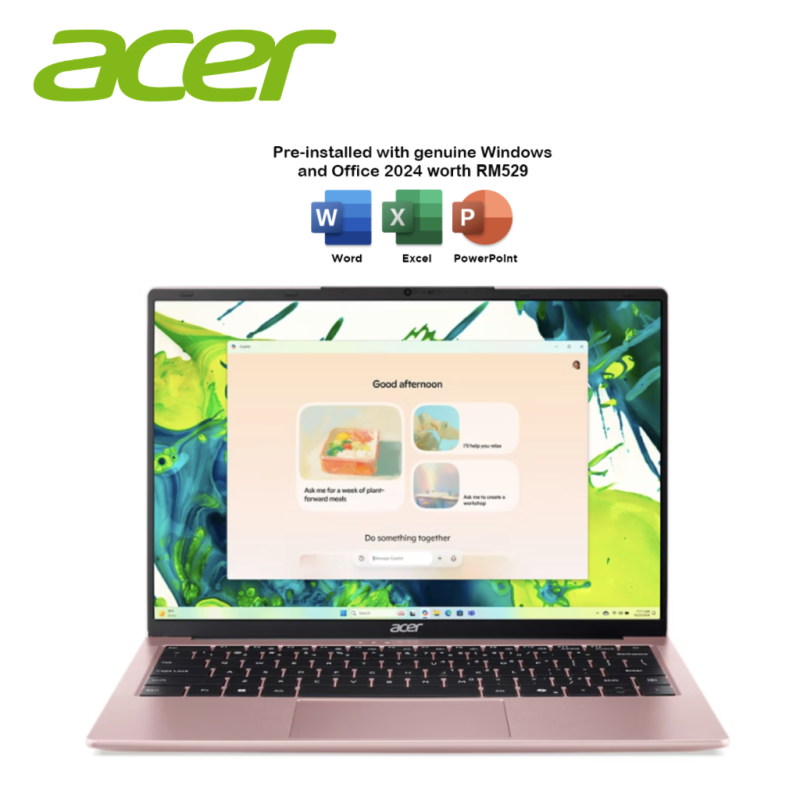
Acer Aspire Lite 14 (AL14-45P-R1K9)
- AMD Ryzen 3 5400U · 8GB RAM · 512GB SSD
- 14.0" WUXGA IPS, 300 nits, 16:10
- 1.3 kg · Windows 11 Home + MS Office 2024 & M365 Basic

Asus VivoBook S 14 OLED (S3407Q-ASF048WS)
- Snapdragon X X1-26-100 · 16GB RAM · 1TB SSD
- 14.0" FHD OLED, 300 nits, 95% DCI-P3, 16:10
- 1.35 kg · Windows 11 Home + MS Office 2024 & M365 Basic
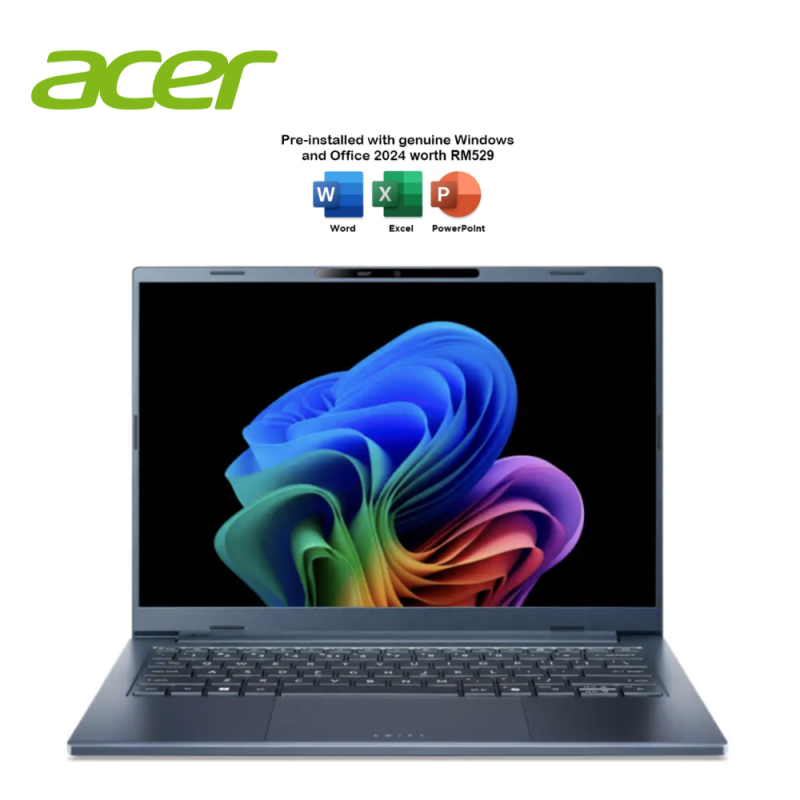
Acer Swift Go 14 Ai OLED (SFG14-75-52U9)
- Intel Core Ultra 5 226V · 16GB RAM · 512GB SSD
- 14.0" WUXGA OLED, 400 nits, 16:10
- 1.24 kg · Windows 11 Home + MS Office 2024 & M365 Basic
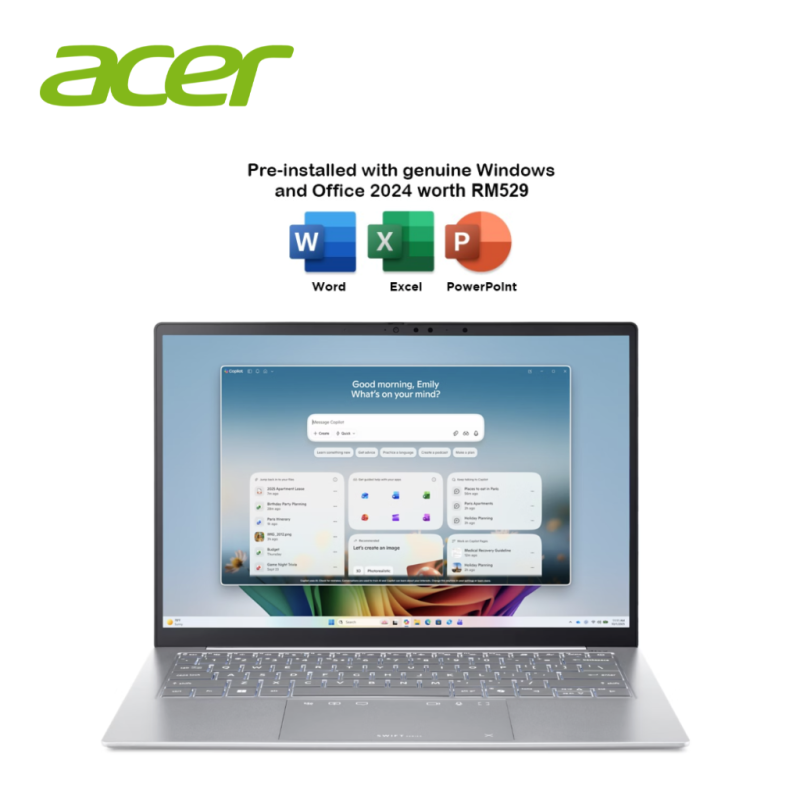
Acer Swift Edge 14 AI OLED (SFE14-I51-737C)
- Intel Core Ultra 7 355 · 32GB RAM · 1TB SSD
- 14.0" WQXGA+ OLED, 100% DCI-P3, True Black HDR500, 16:10
- 0.99 kg · Windows 11 Home + MS Office 2024 & M365 Basic
Final Verdict
Both OLED and IPS are excellent display technologies — the right choice comes down to how you actually use your laptop, not which one sounds more premium.
If you prioritise breathtaking visuals, deep blacks, vibrant colour, and a premium creative or entertainment experience, OLED is worth paying extra for. If you'd rather have dependable battery life, a lower price, and long-term durability with zero burn-in worry, IPS remains one of the smartest choices for most Malaysian buyers in 2026.
Frequently Asked Questions
Does OLED burn in easily?
Modern OLED laptops include advanced burn-in protection. Under normal daily use, the risk is low, though users who leave static images on screen for extended periods should take precautions.
Is OLED better than IPS for Photoshop?
If both displays are well calibrated, either can be excellent. OLED offers superior contrast and richer colours, making it particularly appealing for creative professionals.
Is OLED worth it for office work?
For general office tasks like email, spreadsheets, and documents, IPS usually delivers better overall value and battery efficiency.
Does OLED consume more battery?
It depends on what's on screen. Dark interfaces can be very efficient on OLED, while bright webpages and documents typically use more power than an equivalent IPS panel.
Which lasts longer?
IPS panels generally have a longer lifespan and no burn-in concerns, while modern OLED panels are engineered to hold up for years with normal use.
Ready to see OLED and IPS side by side?
Browse our full range of OLED and IPS laptops from ASUS, Acer, Lenovo, MSI, HP, and Dell — or visit our showroom at Low Yat Plaza to compare them in person.
Shop Laptops at Notebook Plaza